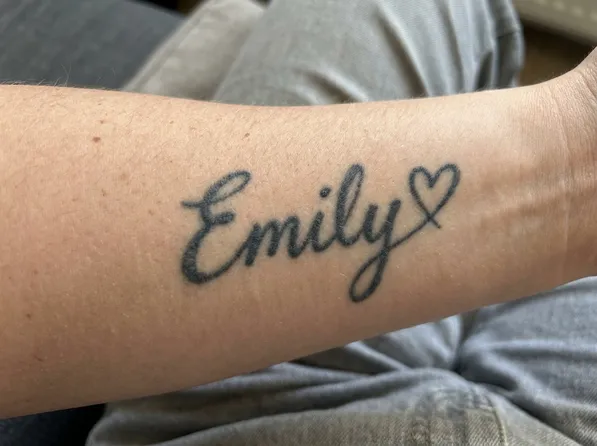
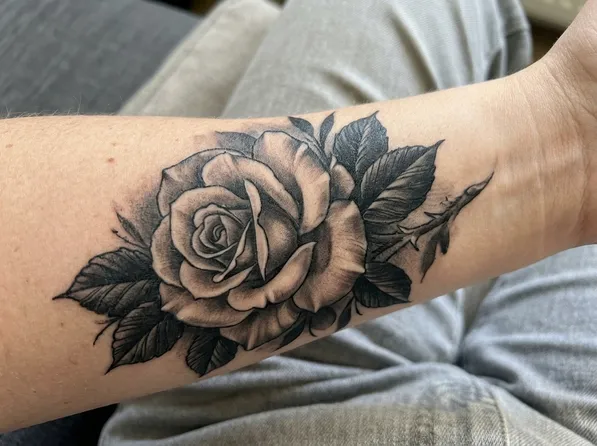
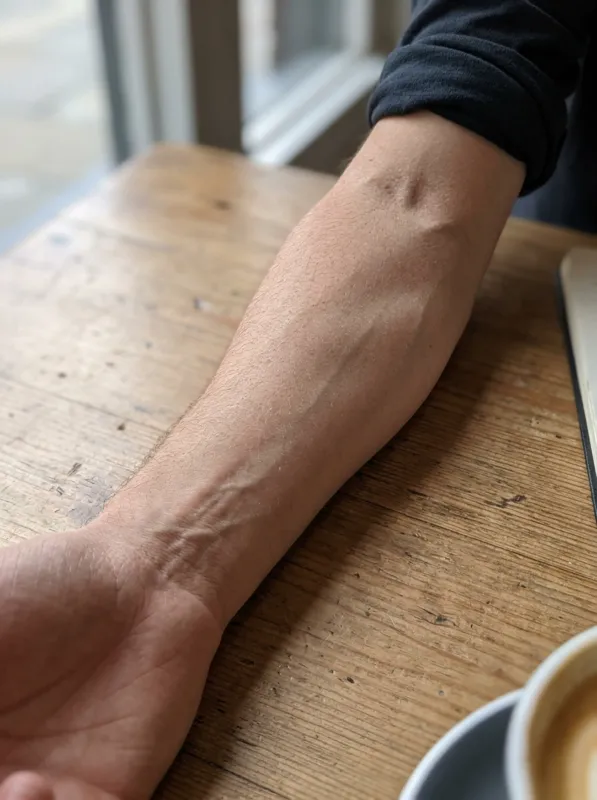
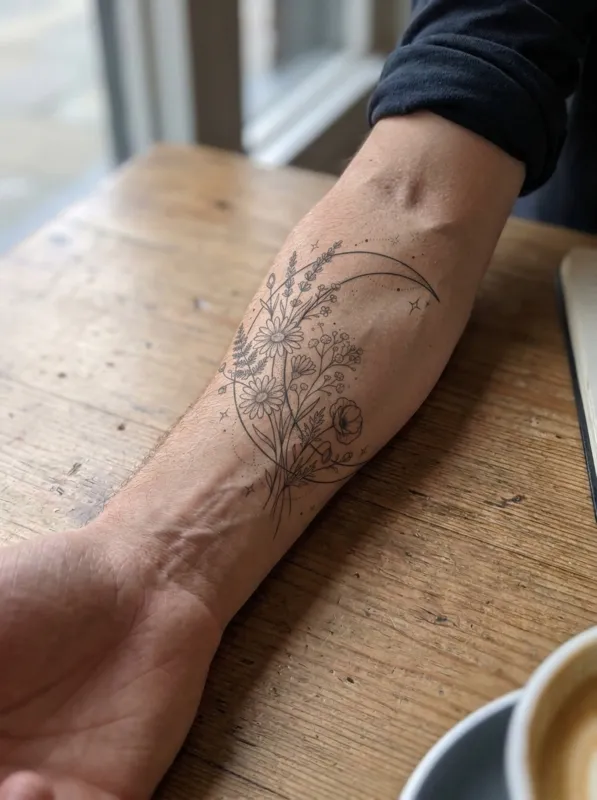
Quick answer: TattooGen AI's tattoo cover up generator takes a photo of the tattoo you want to hide and returns 2 cover-up designs drawn over it on your own skin, in about 30 seconds. You can name the new subject or let the AI choose one that fits. Each run uses 8 credits (4 per image); Google sign-in gives 25 free credits every month, and paid plans start at $8.79 a month.
How tattoo artists plan a cover-up
A cover-up hides old ink under a new design. Artists usually make the new piece larger than the old one, put the darkest parts (solid black, dense shading, dark petals, fur or feathers) right over the old lines, and choose subjects with lots of texture, such as roses, peonies, animals, mandalas and Japanese pieces. The generator follows the same rules, so the ideas are close to what an artist would suggest.
Light, thin and faded tattoos are the easiest to cover. Very dark, heavily saturated tattoos may need one or two laser sessions first to lighten them. Your artist will tell you which applies to you.
Best styles for covering an old tattoo
Blackwork, black and grey, neo-traditional, Japanese and realism are the most forgiving styles because they carry a lot of dark ink. Fine line and minimalist designs rarely work as cover-ups, since thin lines cannot hide what is underneath.
If the old tattoo is small, a medium-sized flower or animal is often enough. For names, tribal bands and larger pieces, expect the cover-up to be two to three times the size of the original.
Frequently asked questions
Can any tattoo be covered up?+
Most can, but dark, solid or very large tattoos may need laser fading first. A cover-up almost always needs to be bigger and darker than the original. Show the results to a tattoo artist who does cover-ups for a real assessment.
What are good cover-up tattoo ideas?+
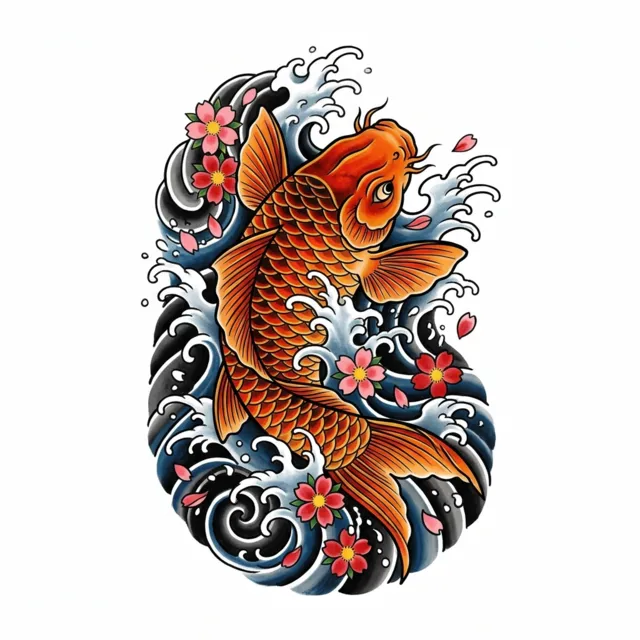
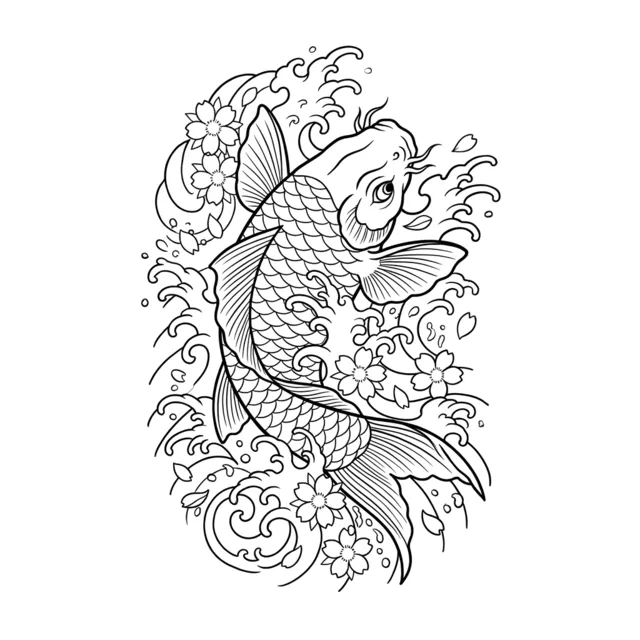
Roses, peonies, lotus flowers, wolves, lions, birds with dark wings, mandalas, Japanese koi and waves, and blackwork patterns. They all have dense dark areas that hide old ink.
Do I have to type an idea?+
No. Leave the box empty and the AI chooses a subject that suits the size and shape of the old tattoo.
How much does it cost?+
Each run makes 2 cover-up images and uses 8 credits. Google sign-in gives 25 free credits every month with no credit card; paid plans start at $8.79 a month for 300 credits.
Are my photos stored?+
Uploaded photos are deleted automatically after 7 days. Your generated designs stay in "My designs" for 90 days, then they are deleted too. We never use your photos to train AI models and never show them publicly.