
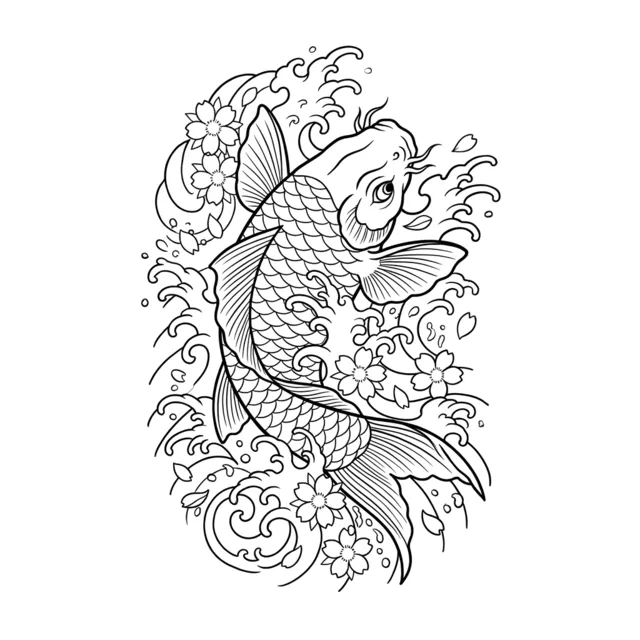
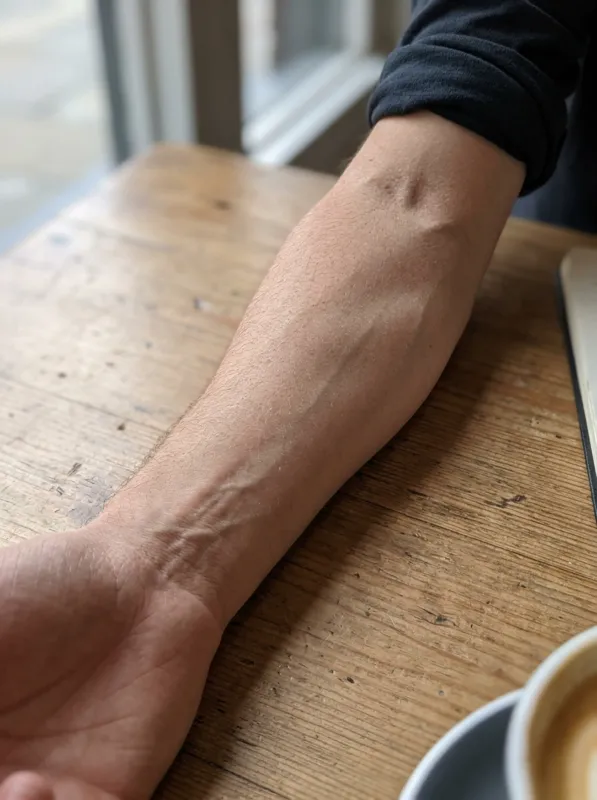
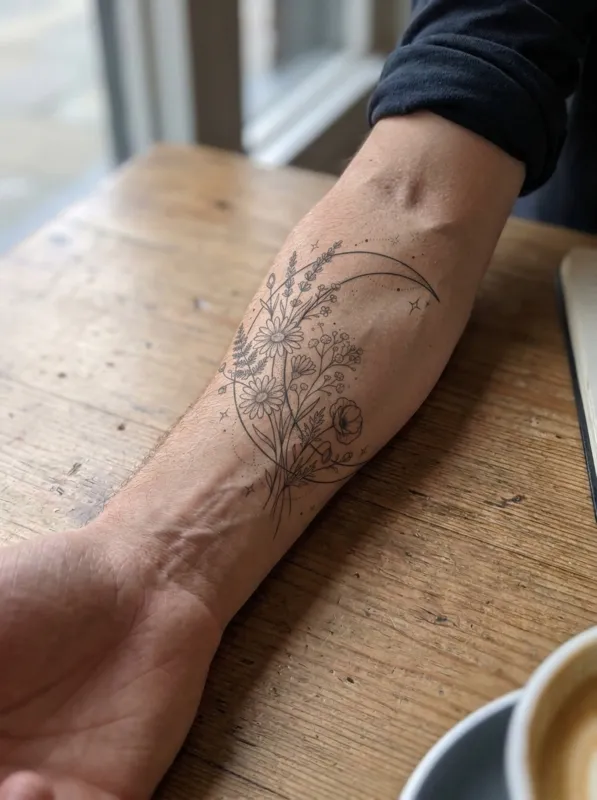

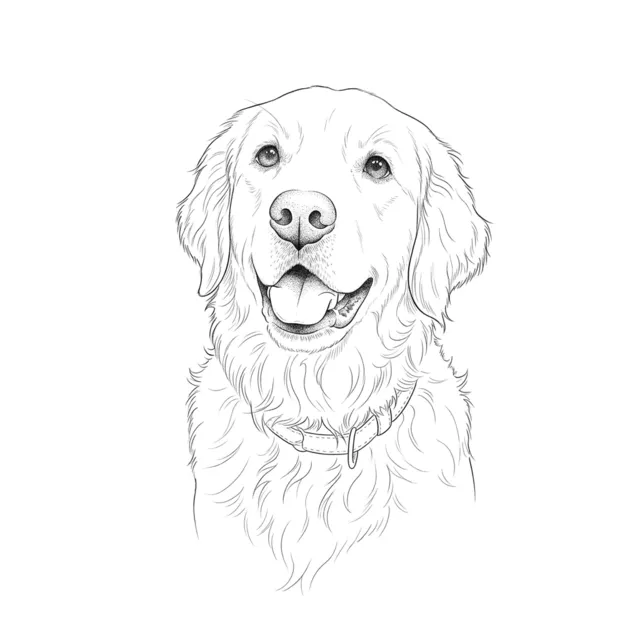
Quick answer: The TattooGen AI stencil generator converts a tattoo design into a clean line stencil: upload the design and in about 20 seconds you get thin black outlines on white with shading and color removed, ready for thermal paper. Each stencil uses 2 credits; Google sign-in gives 8 free credits.
What a tattoo stencil is for
Before tattooing, artists transfer the outline of the design to the skin with a thermal stencil. The stencil carries only the lines that guide the needle; shading and color are added freehand. A clean stencil saves time and keeps the proportions of the design.
Many artists prepare stencils themselves in apps such as Procreate. This tool is a quick way for clients and artists to get a line version of a design without tracing it by hand.
Frequently asked questions
Can I print the stencil on thermal paper?+
Yes. Download the PNG and print it with a thermal stencil printer or a regular printer and transfer paper. Paid plans download 2K files for crisp lines.
Does it work with color designs?+
Yes. Color and shading are removed and only the outlines are kept.
How much does it cost?+
Each stencil uses 2 credits. Google sign-in gives 8 free credits; paid plans start at $7.79 a month for 300 credits.