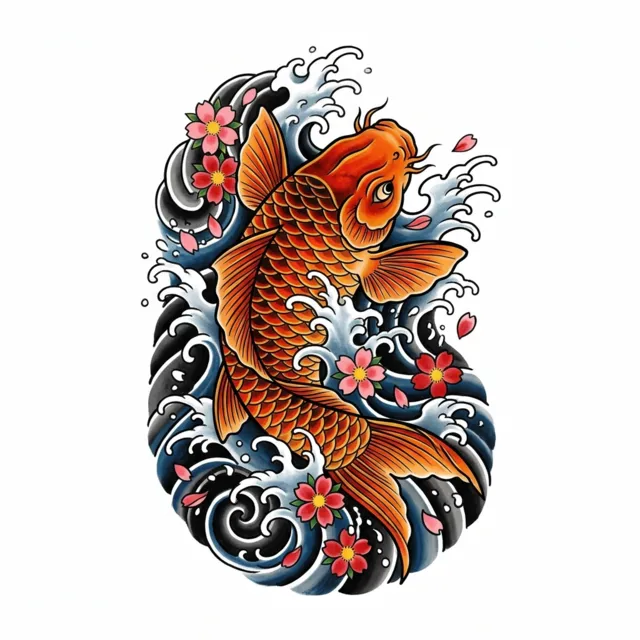
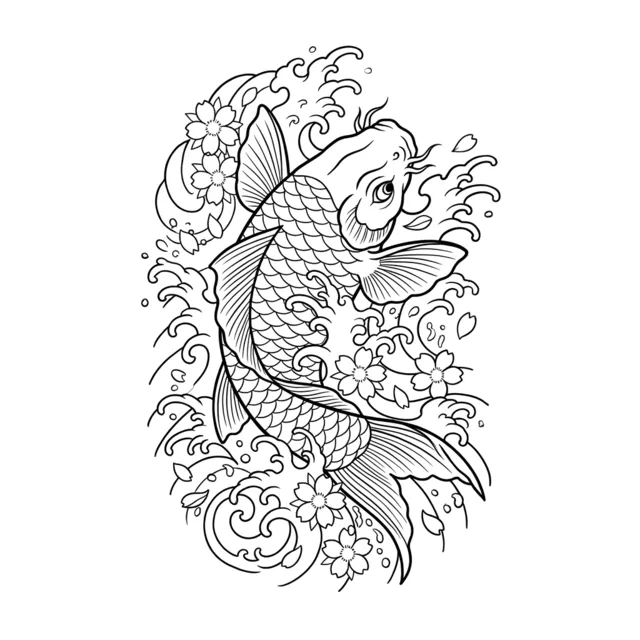
Quick answer: Image to Tattoo turns a photo into a tattoo design: upload a picture of a pet, a person or a place, choose a style such as fine line or realism, and TattooGen AI redraws the subject as clean tattoo flash on white, 2 designs per run (4 credits). New accounts get 8 free credits with Google sign-in.
The most popular use: pet and memorial tattoos
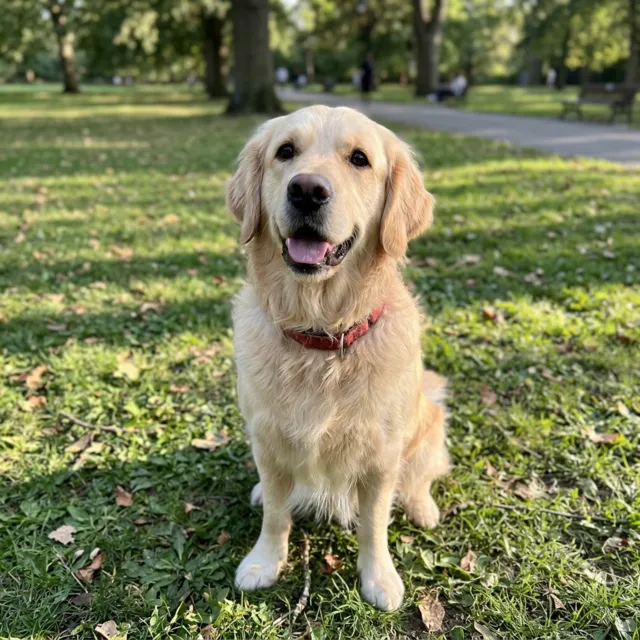
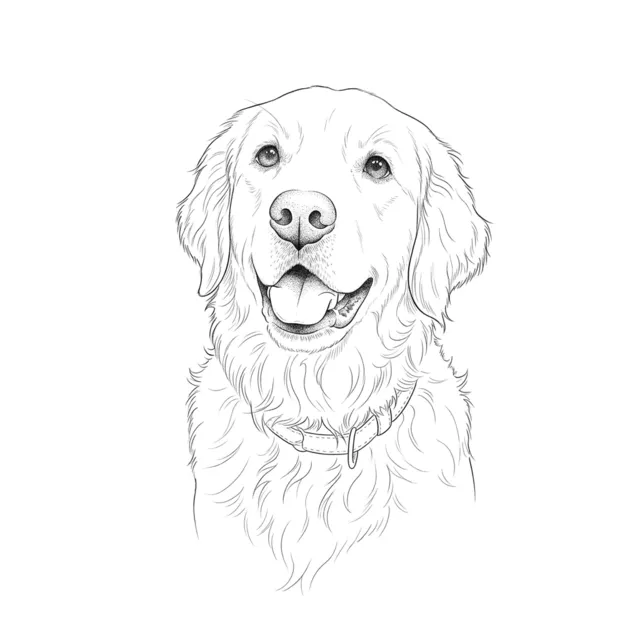
Pet portrait tattoos are one of the most requested custom pieces. A fine line outline of your dog or cat keeps the shape of the ears, the eyes and the fur pattern that make them recognizable, without the cost of a hand-drawn portrait for every idea you want to test.
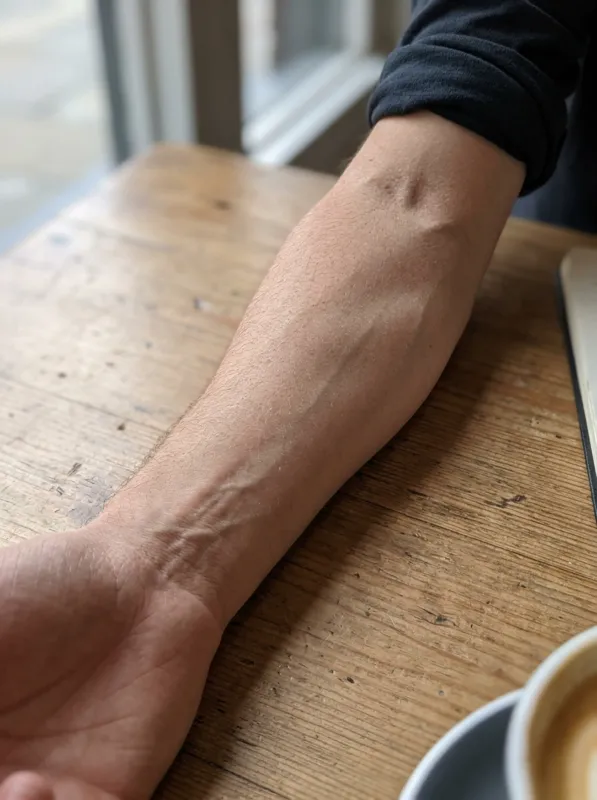
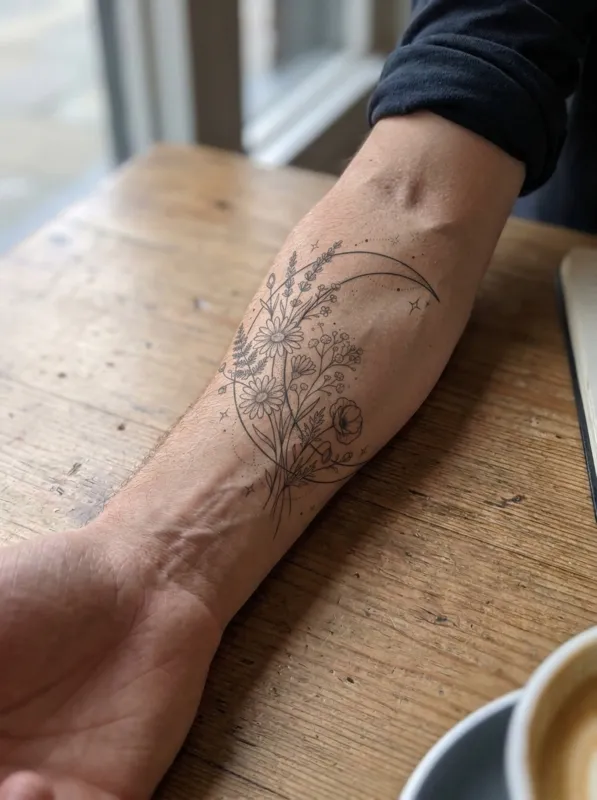
For memorial tattoos, a photo of a person, a handwritten note or a meaningful place can become a design in the style you choose. Try a few styles and bring the one you love to your artist.
Tips for a good result
Use a sharp photo with the subject facing the camera and good light. Crop out other people and busy backgrounds. If the likeness is not right, run it again or switch to a style with more detail such as realism or black and grey; fine line and minimalist designs simplify on purpose.
Frequently asked questions
Can I turn a photo of my dog into a tattoo?+
Yes. Upload a clear photo of your dog or cat and choose fine line, realism or sketch. You get 2 designs that keep the likeness, on a white background.
How much does it cost?+
Each run makes 2 designs and uses 4 credits. Google sign-in gives 8 free credits. Paid plans start at $7.79 a month for 300 credits.
Can I upload a photo of another person?+
Only if it is you or you have their permission. Do not upload photos of celebrities, public figures or minors.
Are my photos stored?+
Uploaded photos are deleted automatically after 7 days. Your generated designs stay in "My designs" for 90 days, then they are deleted too. We never use your photos to train AI models and never show them publicly.