About sleeve tattoos
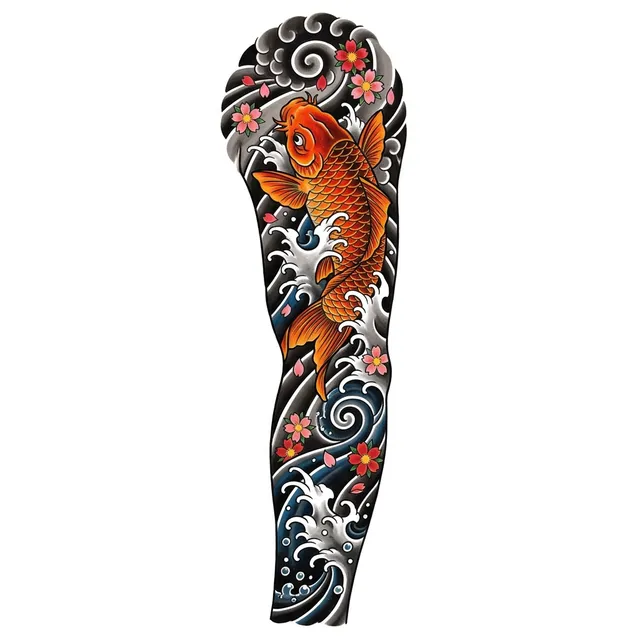
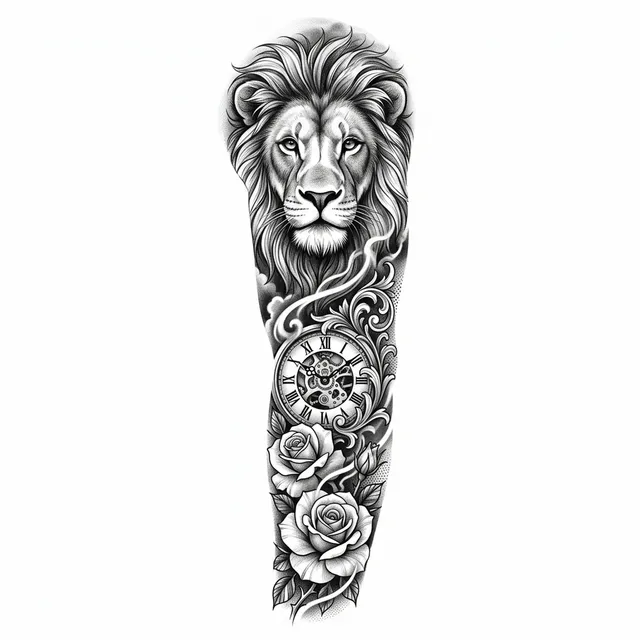
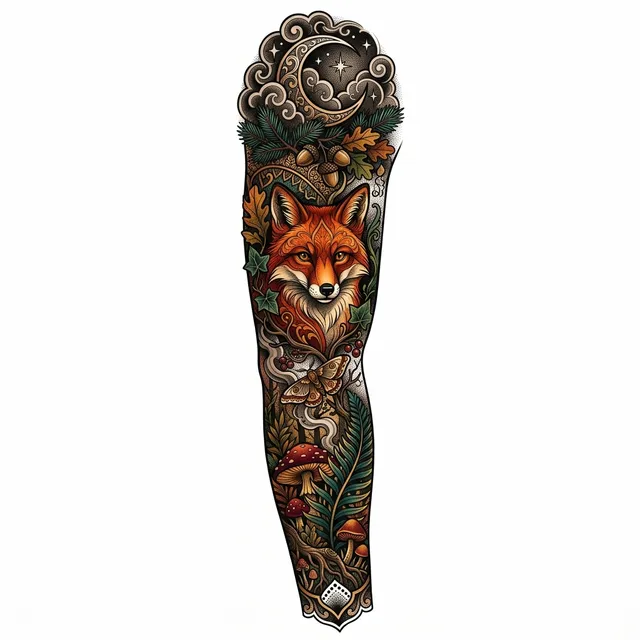
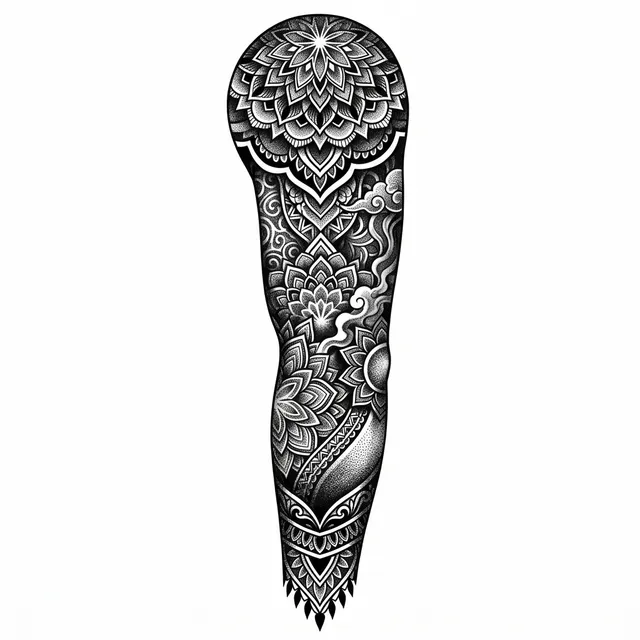
A sleeve is planned as one composition, not a collection of separate pictures. Artists pick a theme (ocean, forest, mythology, family), place 2 to 4 main elements along the arm, and connect them with background such as clouds, smoke, waves, wind bars or geometric patterns.
Japanese, black and grey, neo-traditional and blackwork are the most common sleeve styles because their backgrounds flow easily. A full sleeve usually takes 20 to 50 hours over several sessions, so a clear plan saves money. Bring the design to your artist as a direction; they will redraw it around your arm.
Already have some tattoos on the arm? Use the Sleeve filler shape to get small elements that fill the gaps.
Frequently asked questions
How do I plan a sleeve tattoo?
Pick one theme, choose 2 to 4 main elements and one style, and decide on a background that connects them. Generate a few versions here, then take your favorite to an artist who works in that style.
What is the difference between a full and a half sleeve?
A full sleeve covers the arm from shoulder to wrist. A half sleeve covers either the upper arm (shoulder to elbow) or the forearm (elbow to wrist).
Can I see it on my body first?
Yes. Under any design, press "Try it on" and upload a photo of the spot. The AI shows the design on your skin as a healed tattoo, so you can check size and placement.
Is it free?
Sign in with Google for 25 free credits every month, enough for one set of 4 designs and more, no credit card. Paid plans start at $8.79 a month and download 2K files with no watermark.