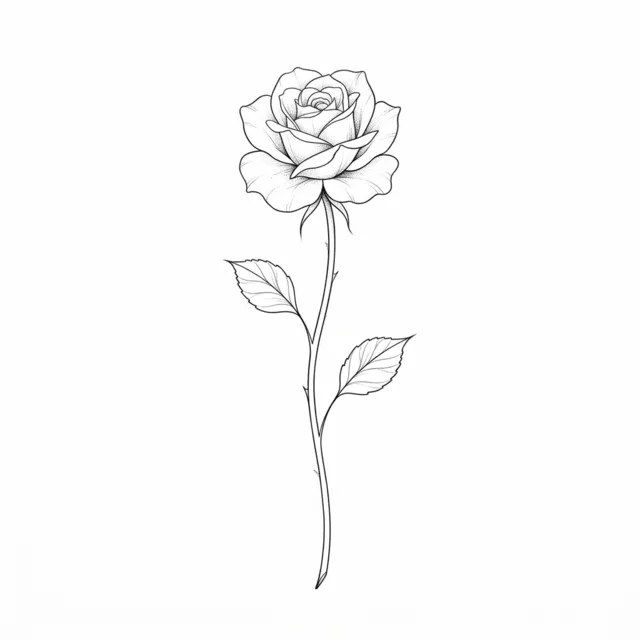
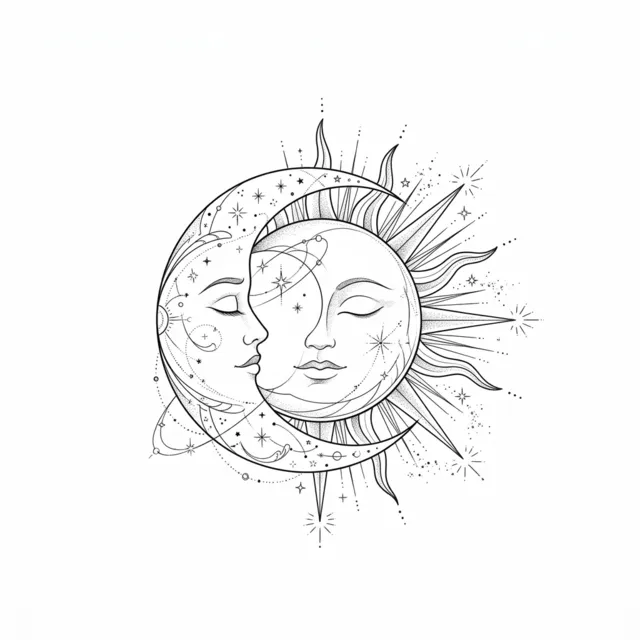
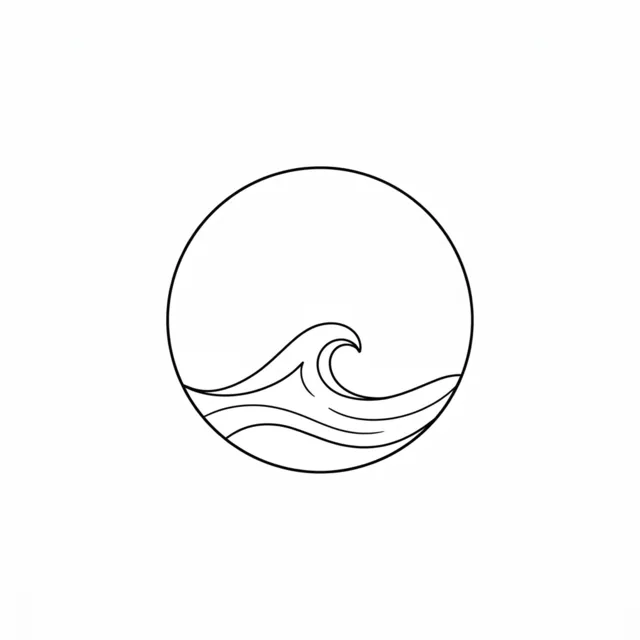
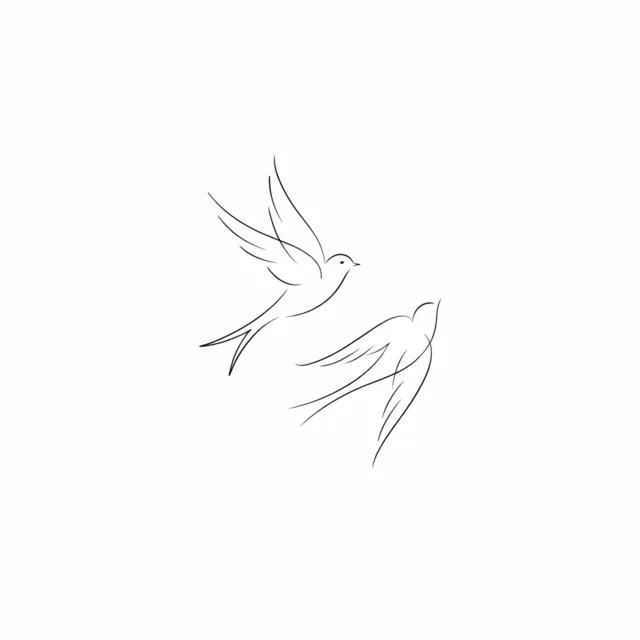

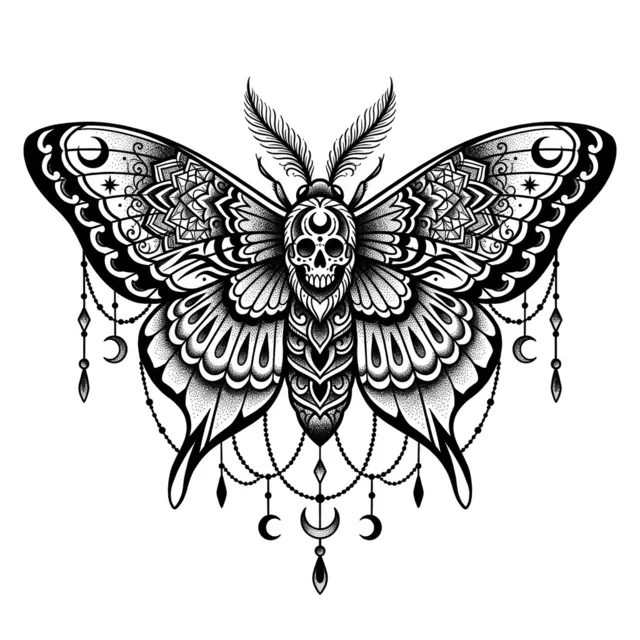
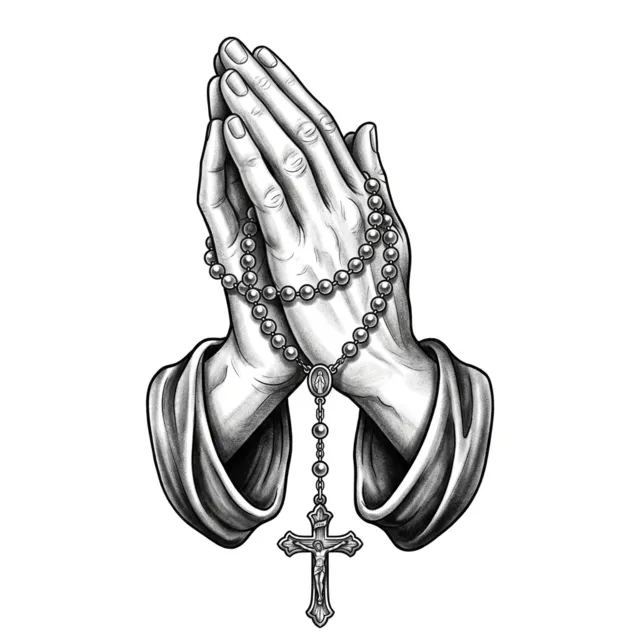
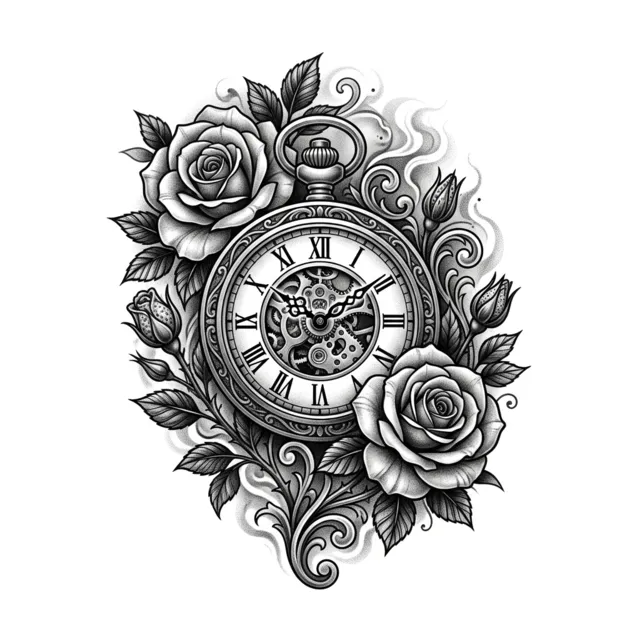
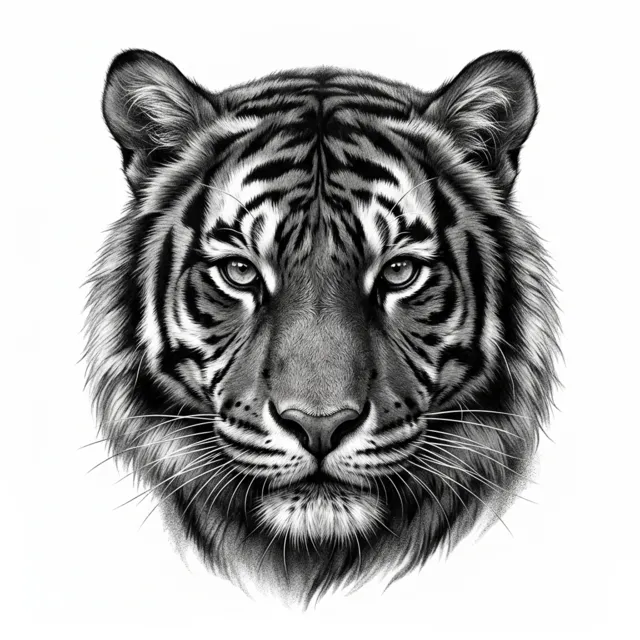
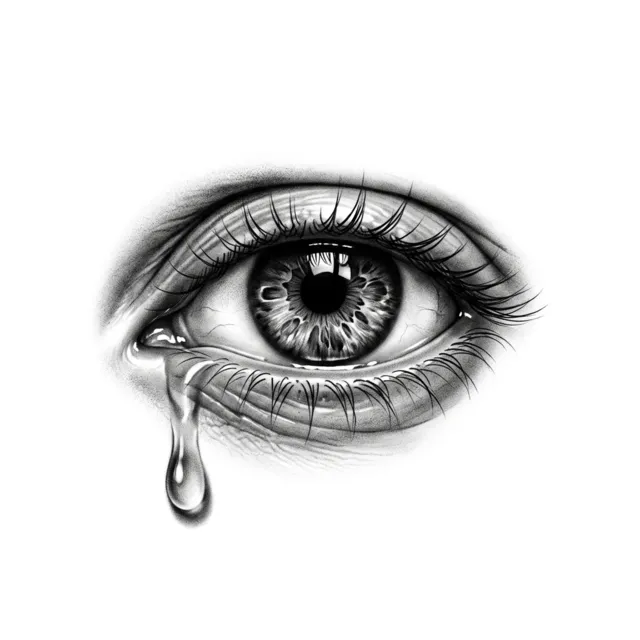
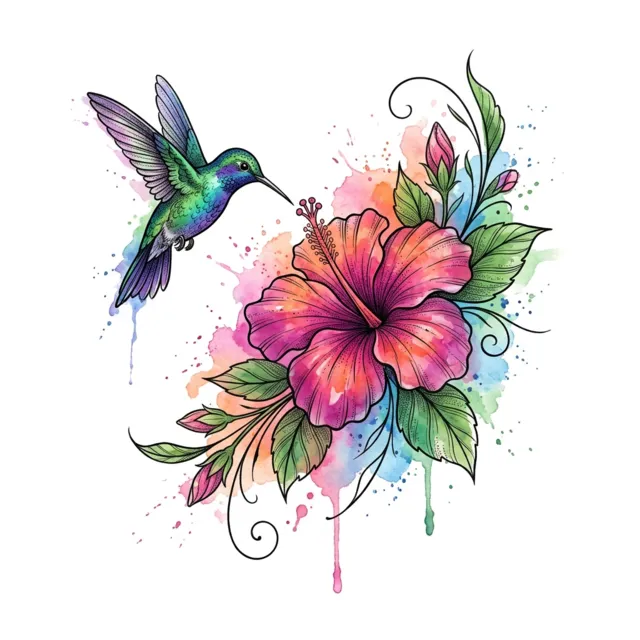
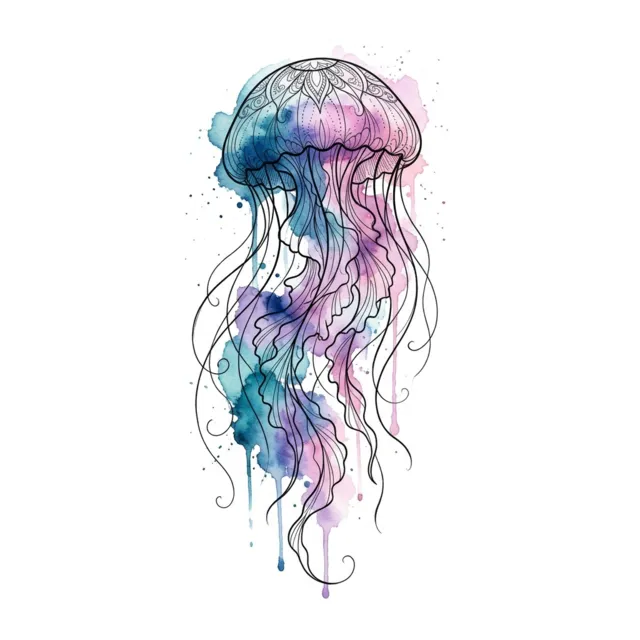
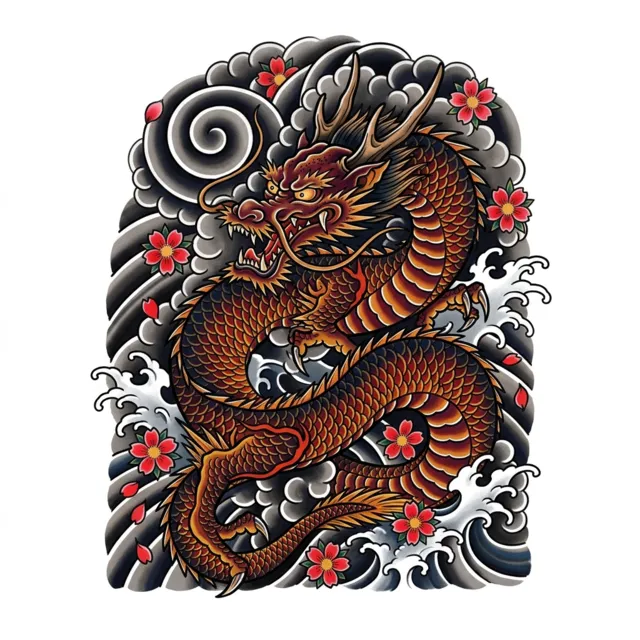
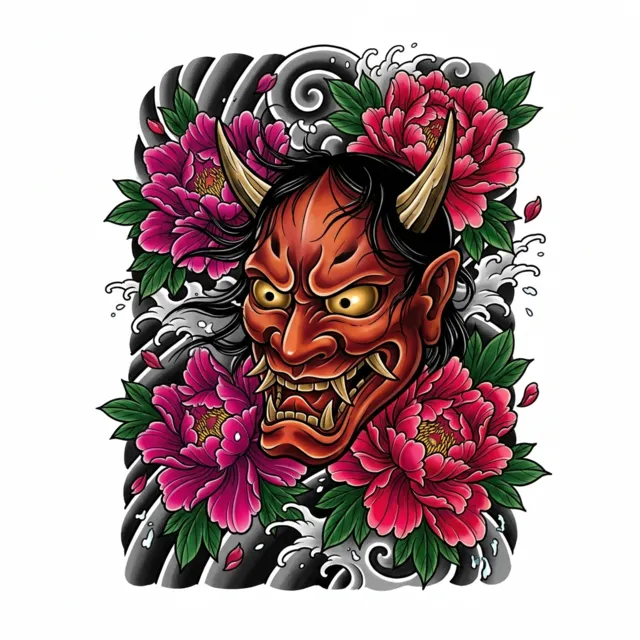
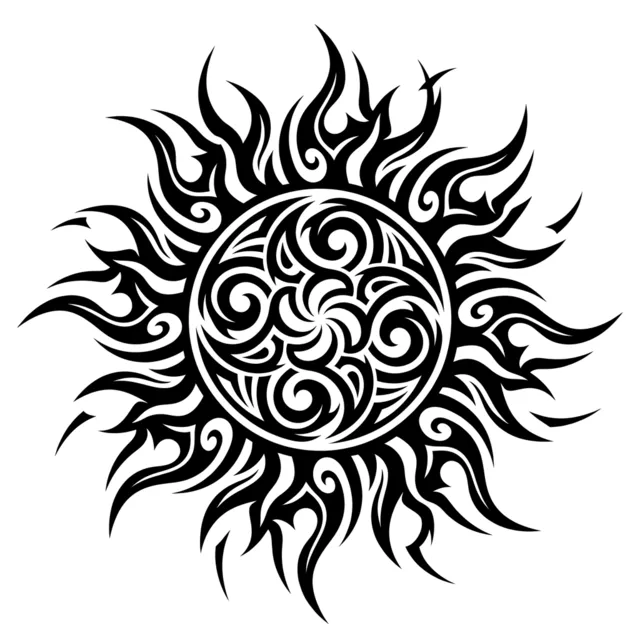
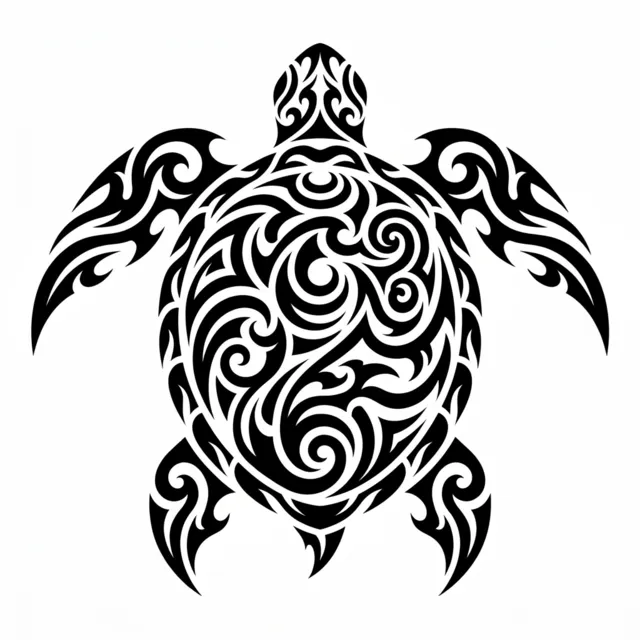
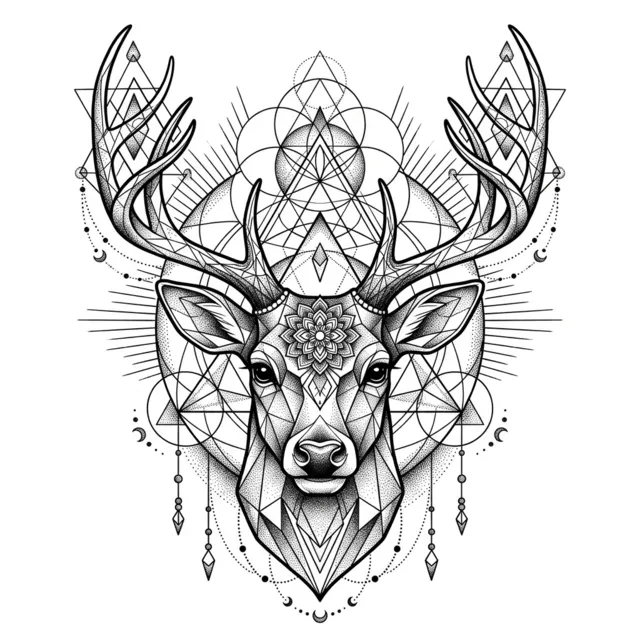


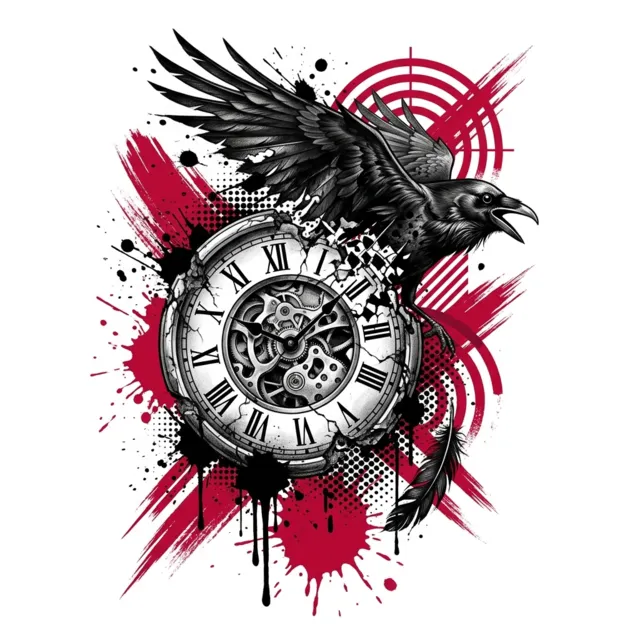
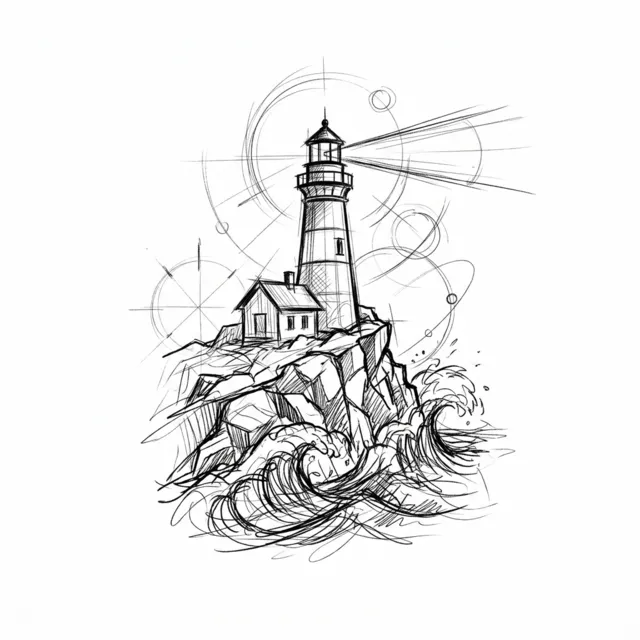
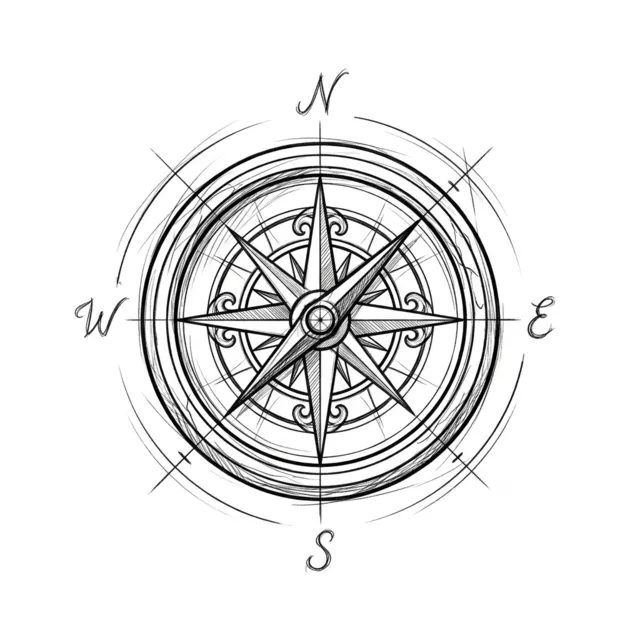
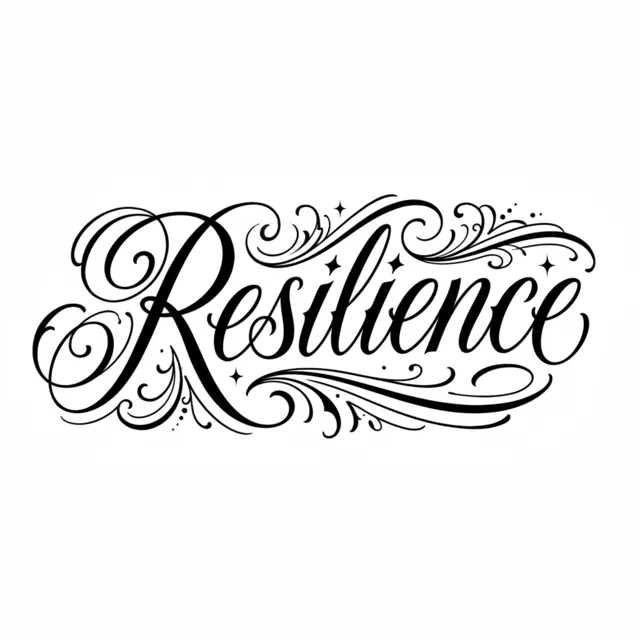
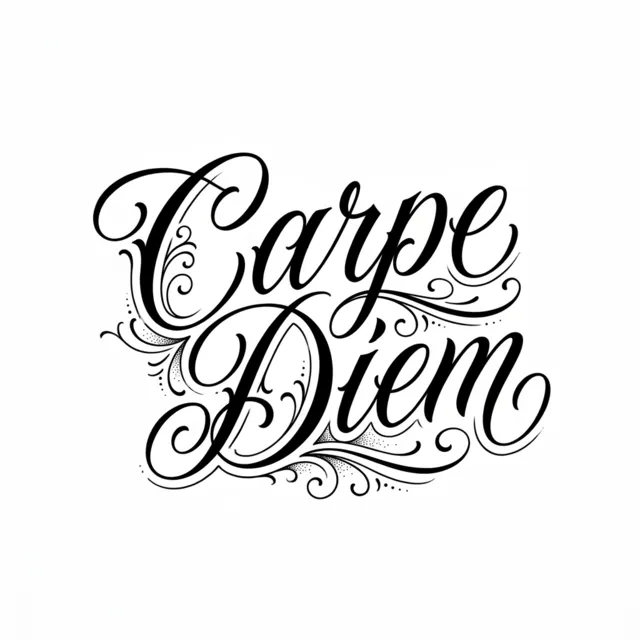

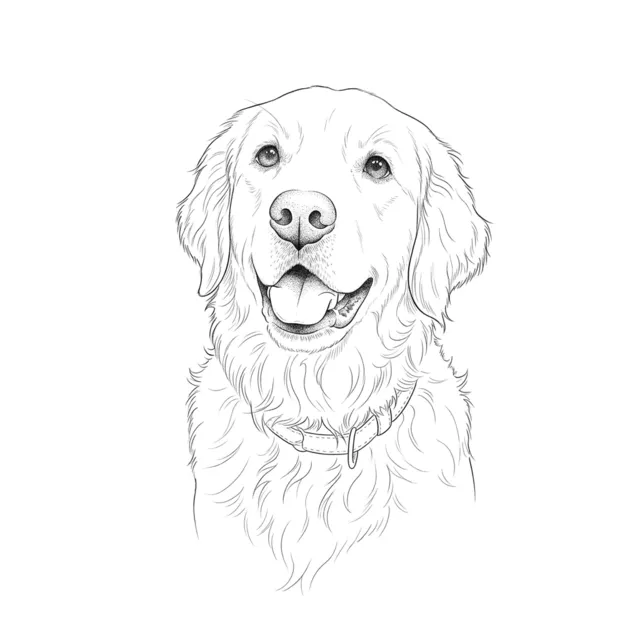
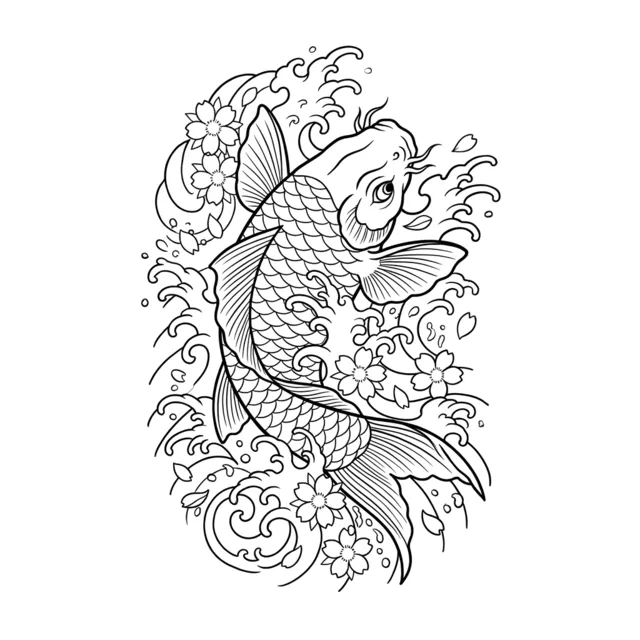
Quick answer: TattooGen AI is an AI tattoo generator: you type a tattoo idea, choose one of 16 styles, and it draws 4 original designs as clean flash on a white background in about 20 seconds. Signing in with Google gives 8 free credits (one set of 4 designs) with no credit card. Paid plans start at $7.79 a month for 300 credits, with print-ready 2K PNG files and no watermark.
Why use an AI tattoo generator before you see an artist
Most people walk into a studio with a Pinterest board and a vague idea. A custom sketch from an artist usually costs a deposit of $50 to $100, and every round of changes takes days. An AI tattoo generator lets you explore dozens of directions in a few minutes, so you arrive with a clear reference instead of a feeling.
The designs are a starting point, not a replacement for your artist. A good tattoo artist will redraw the design to fit your body, your skin and their own hand. What the generator gives you is speed: you can see your idea as fine line, as traditional and as blackwork side by side, and decide what you actually like.
Every major tattoo style in one place
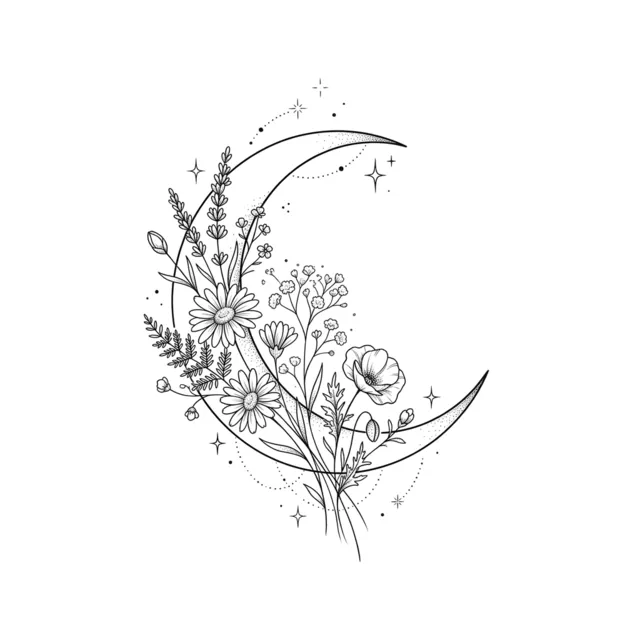
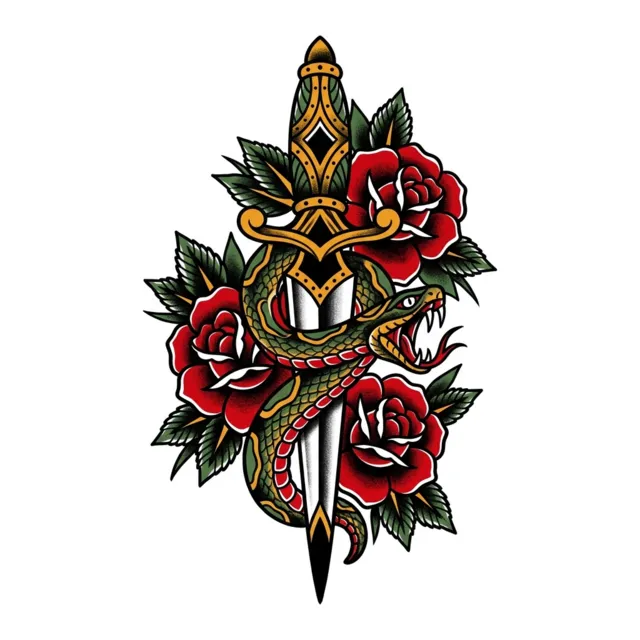
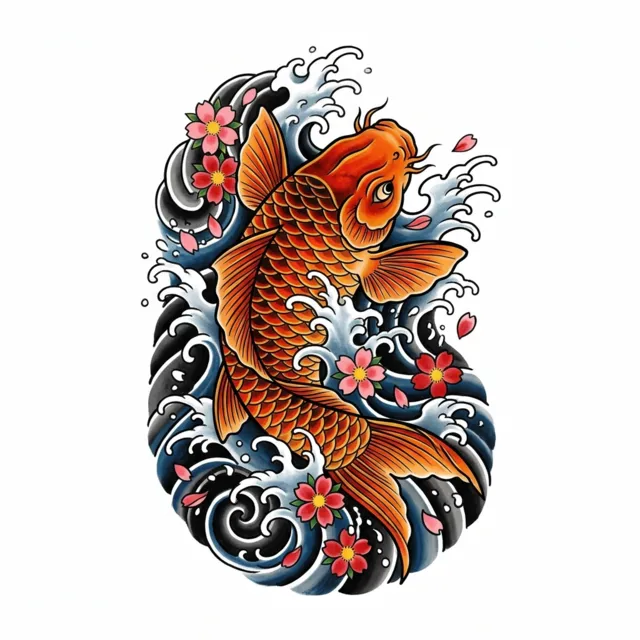
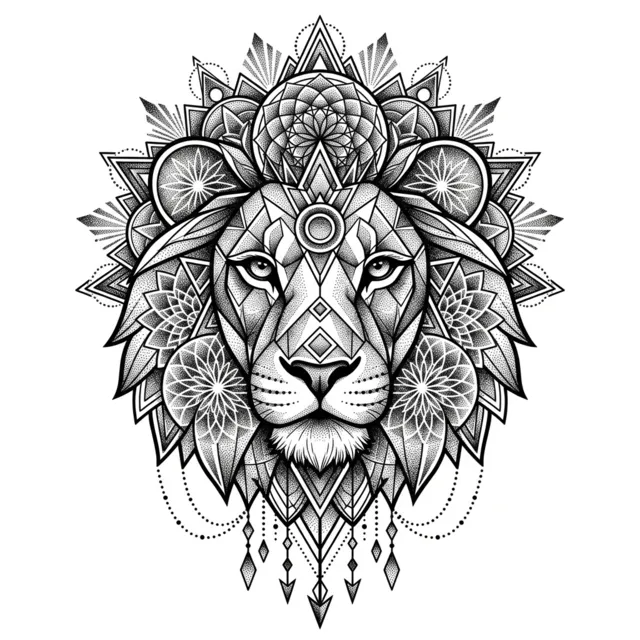
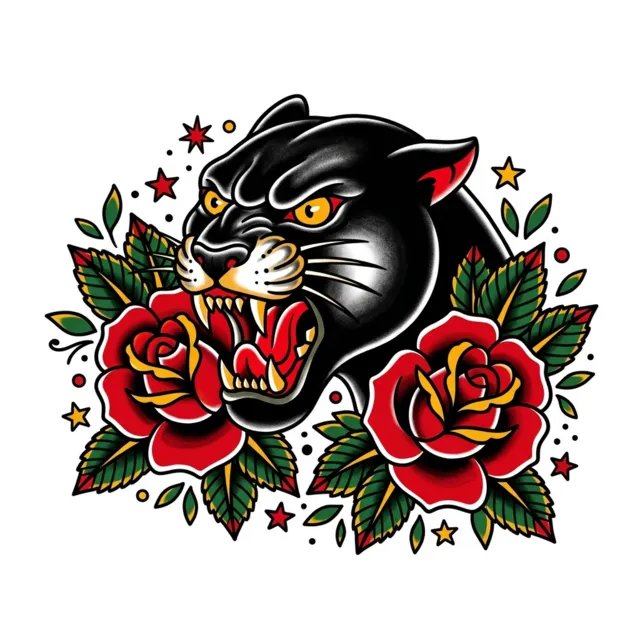
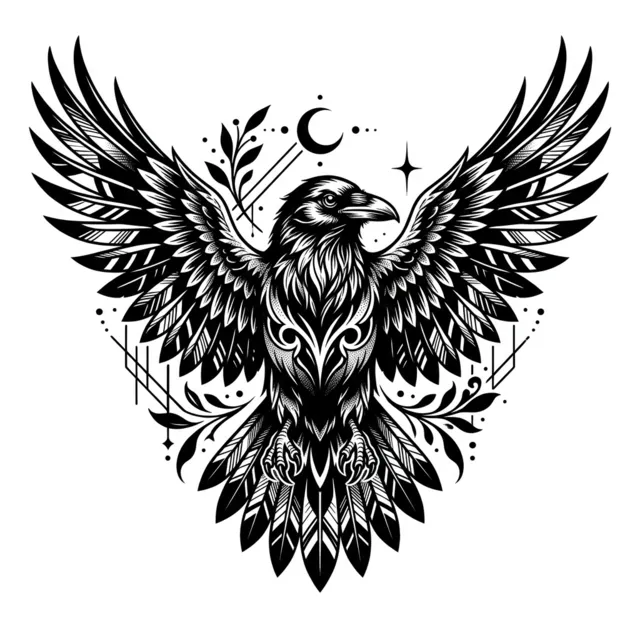
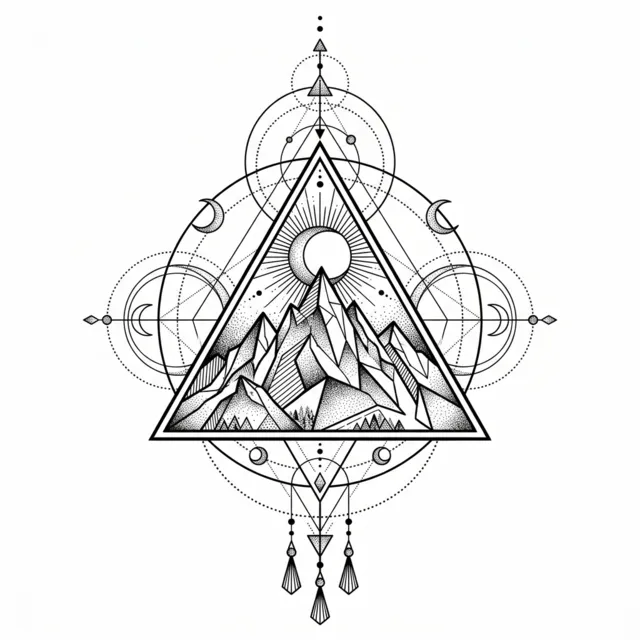
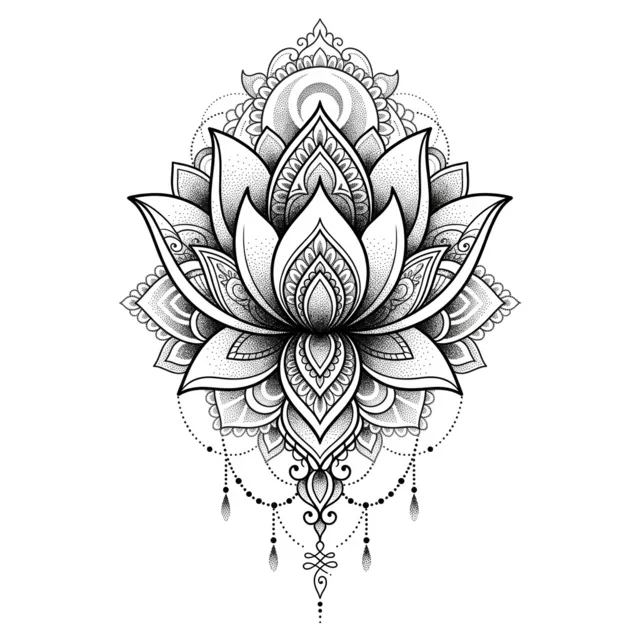
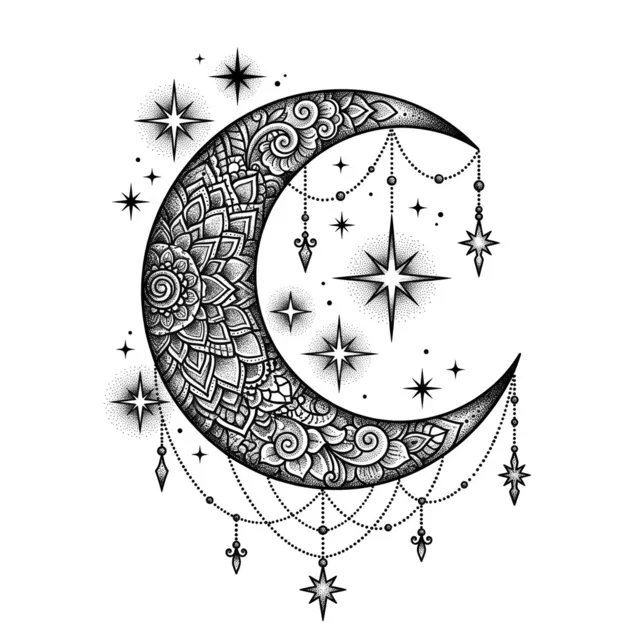
Fine line and minimalist designs use thin single-needle lines and lots of negative space, the most requested look for first tattoos. American traditional uses bold outlines and a limited palette of red, green and yellow. Japanese irezumi brings waves, wind bars and koi. Blackwork, dotwork and geometric designs are black ink only, built from solid fills, stippling and precise lines.
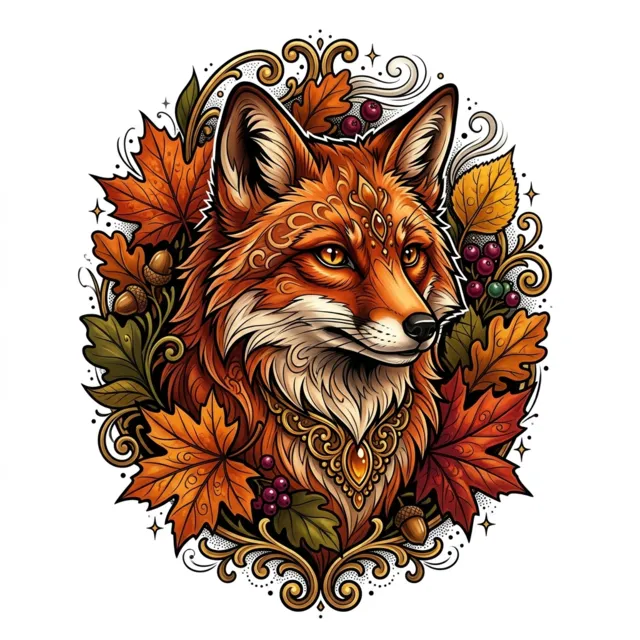
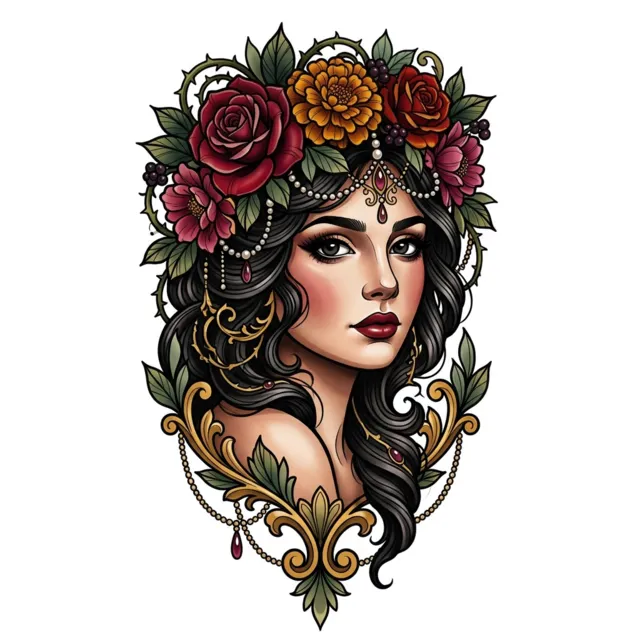
Color styles such as watercolor, neo-traditional and new school get tattoo-appropriate colors; every other style stays black ink only, so the result is realistic to ink.
From idea to the chair: try-on and stencil
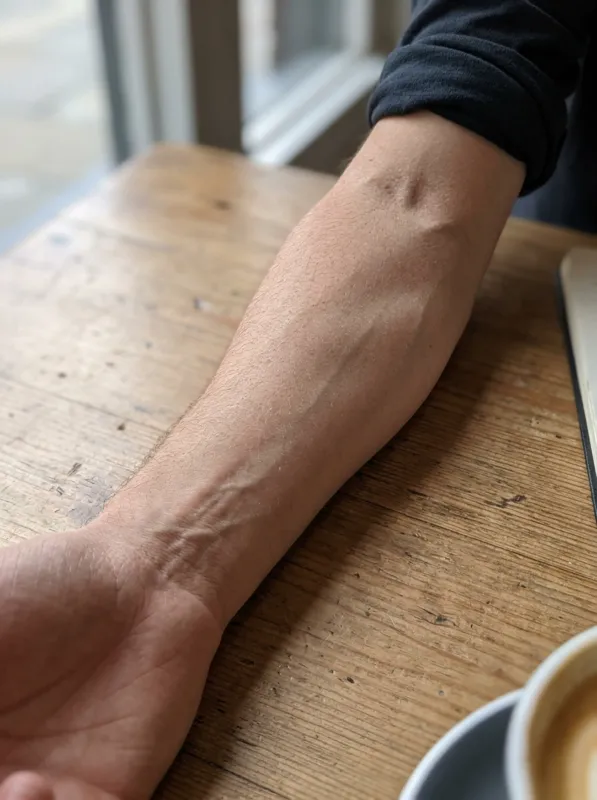
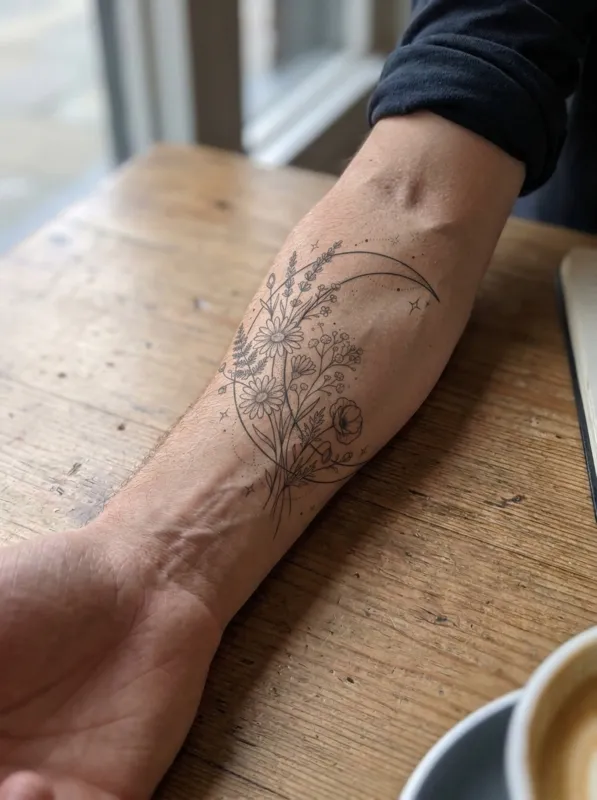
Once you like a design, press "Try it on" and upload a photo of your forearm, wrist, back or any placement. The AI places the tattoo on your skin, following its curve and lighting, so you can judge size and placement before committing.
Then press "Make stencil" to turn the design into clean black outlines, ready to print on thermal paper or to hand to your artist as a line reference.
Frequently asked questions
Is the AI tattoo generator free?+
Yes, to start. Sign in with Google and you get 8 free credits, enough for one set of 4 tattoo designs, with no credit card. Free designs carry a small watermark. Paid plans start at $7.79 a month for 300 credits with no watermark. The tattoo font, Roman numeral and Morse code generators are free with no sign-in at all.
Can I use the design with my tattoo artist?+
Yes. Paid plans download print-ready 2K PNG files with no watermark, on a clean white background, so you can print them or send them to your artist. Most artists will redraw the design in their own hand to fit your body, which is the best way to use it.
Can I see how the tattoo looks on my body?+
Yes. Press "Try it on" under any design, upload a photo of the body part (forearm, wrist, shoulder, back, ribs, thigh and more) and the AI shows the design on your skin as a healed tattoo. Each try-on uses 2 credits.
What styles are supported?+
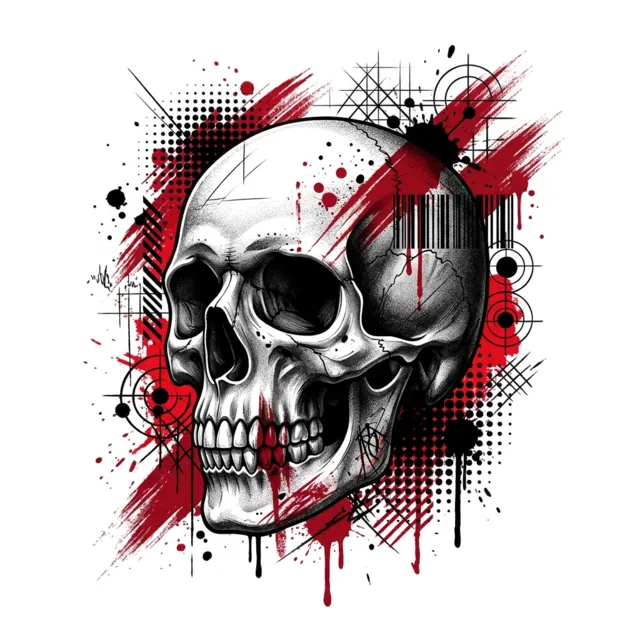
Sixteen styles: fine line, minimalist, American traditional, neo-traditional, blackwork, black and grey, realism, watercolor, Japanese, tribal, geometric, dotwork, new school, trash polka, sketch and lettering.
Who owns the designs?+
You do. You can use the designs you generate for your own tattoos, prints and personal projects. The Max plan adds a commercial license for studios and artists who sell designs. AI-generated images may not be eligible for copyright protection in every country, so do not assume you can stop others from making similar designs.
Are my photos stored?+
Uploaded photos are deleted automatically after 7 days. Your generated designs stay in "My designs" for 90 days, then they are deleted too. We never use your photos to train AI models and never show them publicly.